Introduction
Every business has customers. And managing those customers well is one of the most important things you can do to grow.
Most businesses manage customer information in scattered spreadsheets and overflowing email inboxes. Important details get lost. Follow-ups get missed. Good leads go cold because nobody remembered to call back.
This costs businesses real money every single day — and most owners never realise it.
CRM software solves this problem entirely.
Understanding CRM Software: Features, Benefits, and Examples
CRM stands for Customer Relationship Management. CRM software is a digital tool that stores, organises, and manages all your customer information and interactions in one central place.
Instead of customer details being scattered across different people and systems, everything comes together in one place — contact details, communication history, purchase records, and sales pipeline status — accessible to your entire team at any time.
Think of CRM software as the memory of your business. It remembers every customer, every conversation, and every commitment — so nothing important ever gets forgotten again.
Why Your Business Needs CRM Software
It keeps all customer information in one place.
No more searching through old emails to find a customer’s details. Everything your team needs is stored in one organised, searchable system that everyone can access instantly.
It improves customer relationships.
When you know a customer’s full history and preferences, you can serve them better and communicate more personally. Customers who feel genuinely valued stay loyal far longer and spend more over time.
It increases sales.
CRM software tracks every lead in your sales pipeline, sends automatic follow-up reminders, and makes sure no opportunity ever slips away without action being taken by your team.
It saves time every day.
Manually tracking customer information and managing follow-up reminders can consume valuable time. CRM software automates these tasks, allowing your team to focus more on building customer relationships, closing sales, and delivering better service.
It improves team collaboration.
When all customer information lives in one shared system, every team member sees the same information. No confusion about who spoke to a customer last or what the next step should be.
Signs Your Business Is Ready for CRM Software
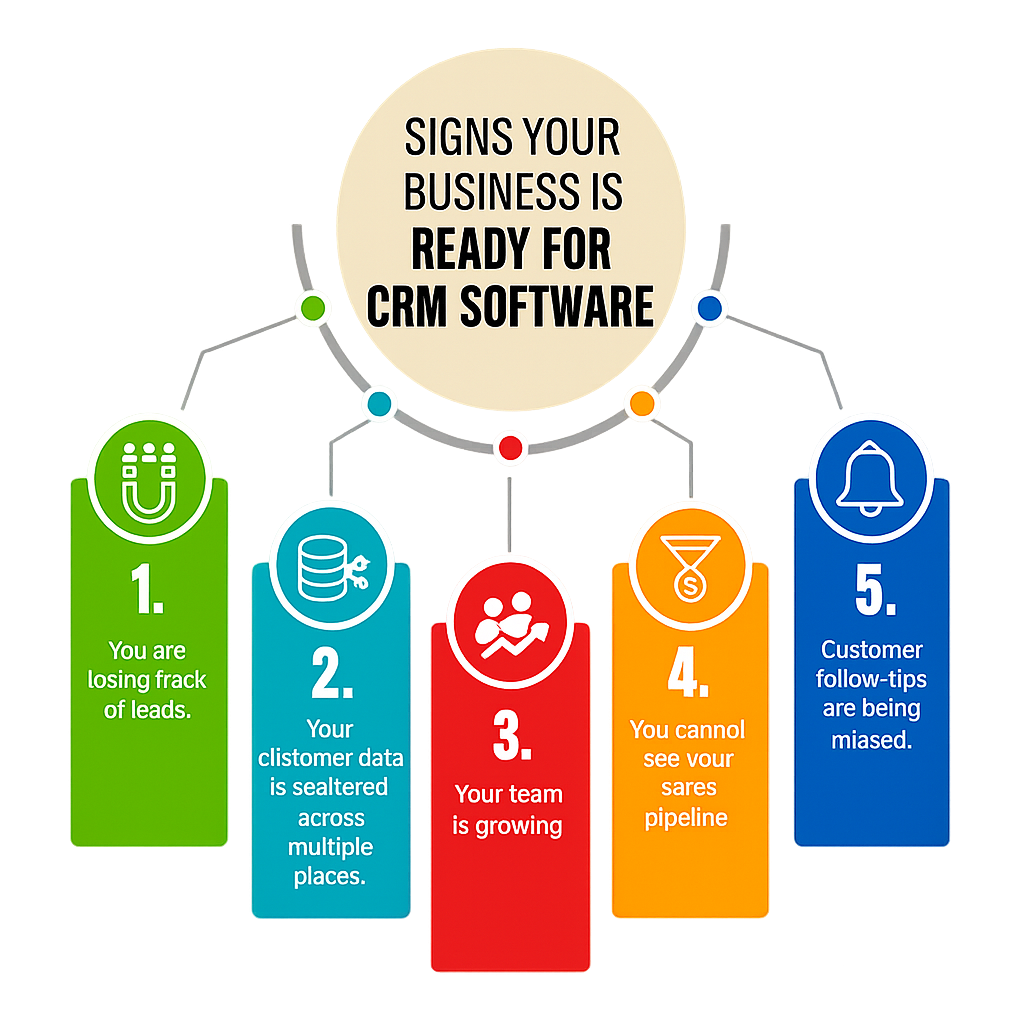
You are losing track of leads.
If potential customers are going cold because nobody followed up at the right time, your business needs CRM software right now. Every missed follow-up is a missed sale.
Your customer data is scattered across multiple places.
When customer information is stored in spreadsheets, emails, or sticky notes, important details can be lost or overlooked. A CRM system keeps all customer data in one place, improving organization, collaboration, and efficiency.
Your team is growing.
The moment more than one person manages customer relationships, a shared centralised system becomes critical. Without it, your team will contradict each other and confuse customers.
You cannot see your sales pipeline.
If you cannot answer how many active leads you have or which ones are closest to closing this month, CRM software will give you that clarity immediately.
Customer follow-ups are being missed.
CRM software automates follow-up reminders so every customer receives the attention they deserve without anything falling through the cracks.
What to Look for When Choosing CRM Software
Ease of use.
The best CRM software is the one your team will actually use every day. If it is complicated, your team will avoid it and go back to spreadsheets. Always choose a system that is simple and quick to learn.
The right features for your business.
Every business has different needs. Choose a CRM with the features your business actually needs — not the one with the longest and most impressive feature list.
Integration with your existing tools.
Your CRM should connect smoothly with your email platform, calendar, accounting software, and marketing tools. Poor integration creates extra manual work and defeats the entire purpose of having a CRM.
Scalability.
Choose CRM software that grows comfortably alongside your business. Switching CRM systems later is expensive, time-consuming, and highly disruptive to your team and customers.
Transparent pricing.
Understand exactly what you are paying for and how your costs may change as your team grows. Review the pricing structure carefully before committing to avoid unexpected expenses and ensure the CRM remains cost-effective over time.
Common CRM Software Mistakes to Avoid for Business Success
Choosing based on price alone.
The cheapest CRM is rarely the best choice. A tool your team does not use is a waste of money, regardless of how affordable it seems at first glance.
Not involving your team.
The people who use CRM software every day should have a say in which tool is chosen. If your team does not find it useful, they simply will not use it.
Expecting results overnight.
CRM software takes time to set up and integrate into daily habits. Give any new CRM at least two to three months of consistent use before judging whether it is truly working.
Only using basic features.
Many businesses pay for CRM software but only use it as a contact database. The real value comes from automation, pipeline management, and reporting features that save time and grow revenue.
Popular CRM Software Options to Consider
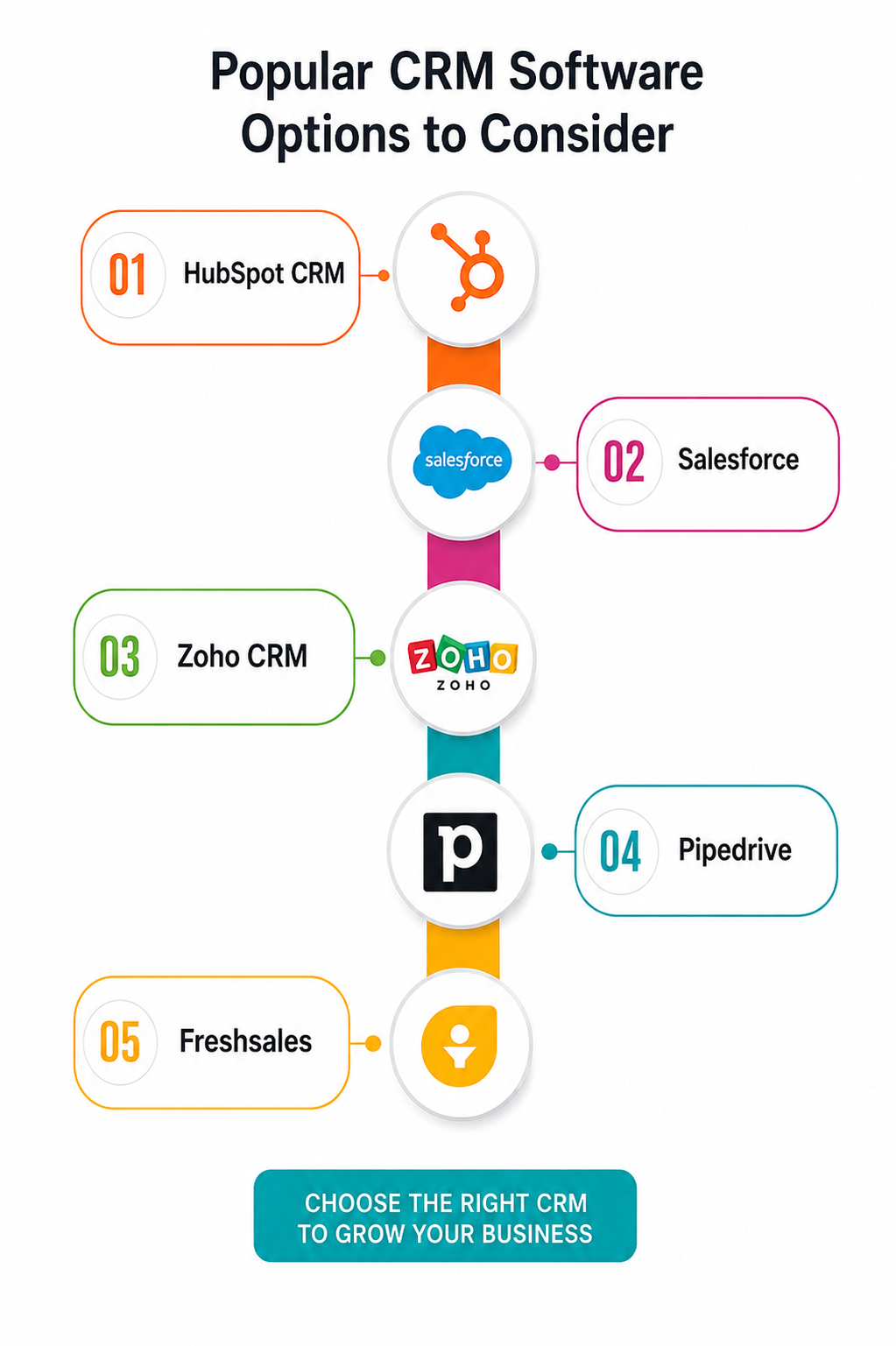
HubSpot CRM
HubSpot CRM is one of the most popular choices for small and medium businesses. It offers a generous free plan and is widely known for being easy to use, even for completely non-technical teams.
Salesforce
Salesforce is one of the most widely used CRM platforms in the world. It offers extensive features and customization options, making it a strong choice for larger businesses with complex sales processes and the resources needed to manage and optimize the platform effectively.
Zoho CRM
Zoho CRM offers a strong balance of features and affordability. It is well-suited for small to mid-sized businesses and includes sales automation, analytics, and multi-channel communication within a single platform.
Pipedrive
It is designed specifically for sales teams. It is visual, easy to navigate, and focused on helping sales teams manage their pipeline and close deals faster with less administrative effort.
Fresh sales
It is a user-friendly CRM with built-in phone and email tools. It is particularly well-suited for small businesses looking for an affordable, all-in-one sales and communication platform.
Simple Tips for Getting the Most From CRM Software
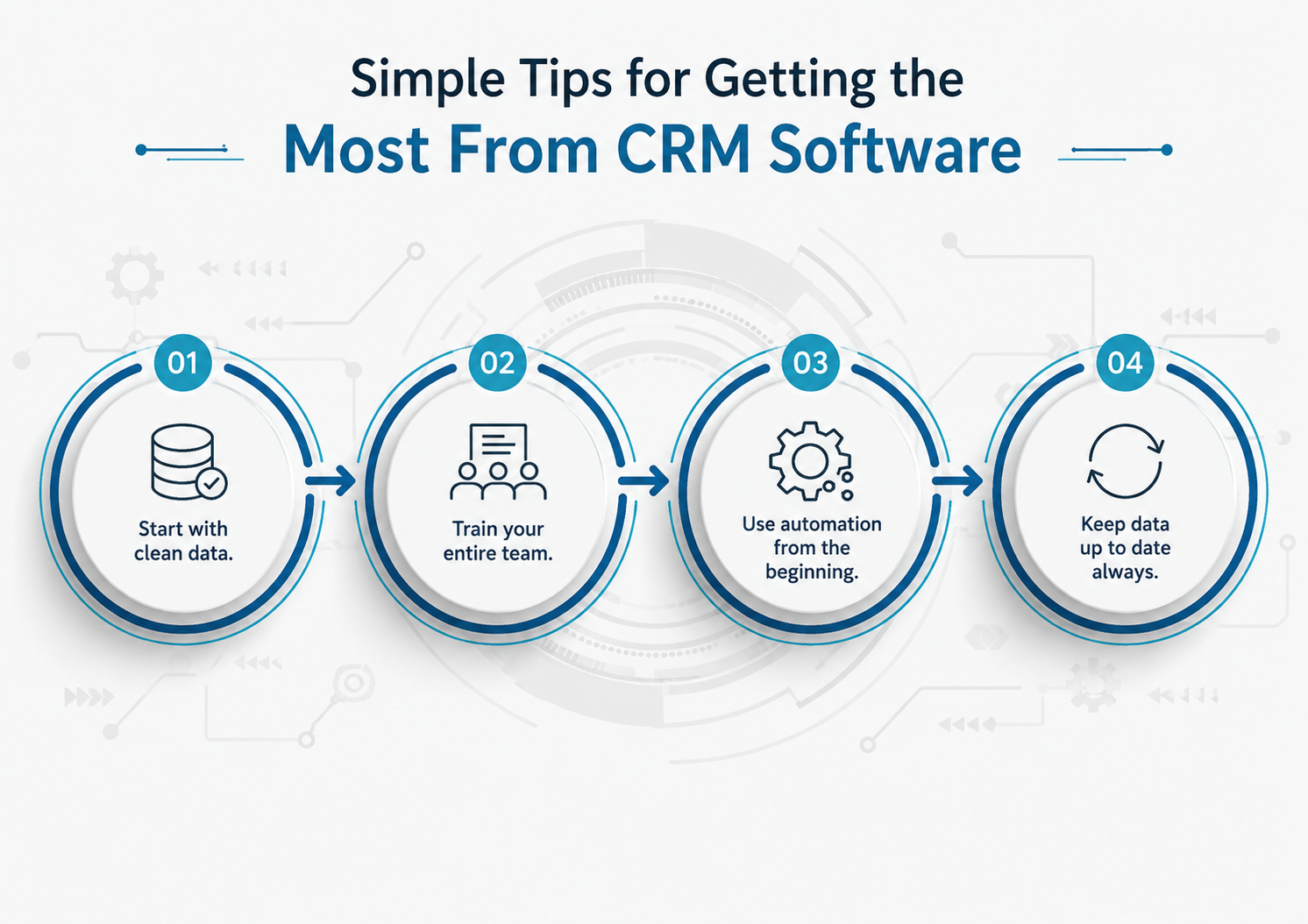
Start with clean data.
Before importing customer information into your new CRM, clean it up thoroughly. Remove duplicates, correct outdated details, and organise contacts consistently. Clean data makes your CRM far more useful from day one.
Train your entire team.
CRM software delivers the greatest value when every team member uses it consistently and correctly. Provide proper training for everyone who interacts with the system to improve adoption, maintain accurate data, and maximize the return on your CRM investment.
Use automation from the beginning.
Set up automatic follow-up reminders and email sequences immediately. Let the system handle routine work so your team can focus on what truly matters most.
Keep data up to date always.
Make it a non-negotiable habit for every team member to update customer records after every call, meeting, or interaction. Outdated data makes your CRM less useful for everyone on the team.
FAQ
1. What is CRM software, and why is it important for businesses?
CRM software helps businesses manage customer information, track interactions, automate tasks, and improve customer relationships from a centralized platform.
2. How do I know if my business needs CRM software?
If customer data is spread across spreadsheets, emails, or multiple tools, or if your team struggles to track leads and follow-ups, a CRM can help improve organization and efficiency.
3. What problems can CRM software solve?
CRM software can reduce data silos, improve lead tracking, automate repetitive tasks, enhance team collaboration, and provide better visibility into customer relationships.
4. What features should I look for in CRM software?
Key features include contact management, lead tracking, sales automation, reporting, email integration, workflow automation, and mobile access.
5. How do I choose the right CRM software for my business?
Consider your business size, budget, required features, ease of use, scalability, integration needs, and customer support options before making a decision.
6. Is CRM software suitable for small businesses?
Yes. Many CRM platforms are designed specifically for small businesses and offer affordable plans with essential customer management and sales tools.
7. How much does CRM software typically cost?
CRM pricing varies based on features, users, and support levels. Costs can range from free plans for small teams to enterprise-level subscriptions with advanced functionality.
8. Can CRM software integrate with other business tools?
Most modern CRM platforms integrate with email services, marketing tools, accounting software, customer support systems, and e-commerce platforms.
Final Thought
CRM software is more than a contact management tool. It helps businesses strengthen customer relationships, increase sales, and improve efficiency.
Looking for a CRM software company in Coimbatore? Partner with a trusted CRM software company to find the right solution for your business.
Choose the right CRM, use it consistently, and watch your business grow.