Introduction
Every second your website takes to load is costing you visitors, customers, and revenue.
Visitors expect a website to load within two to three seconds. Every additional second increases the percentage of people who leave before your page even appears.
Knowing how to improve website speed directly affects your search engine rankings, your visitor experience, and your business results. A faster website ranks higher on Google, keeps visitors engaged longer, and converts more of them into paying customers.
Why Website Speed Matters More Than Ever
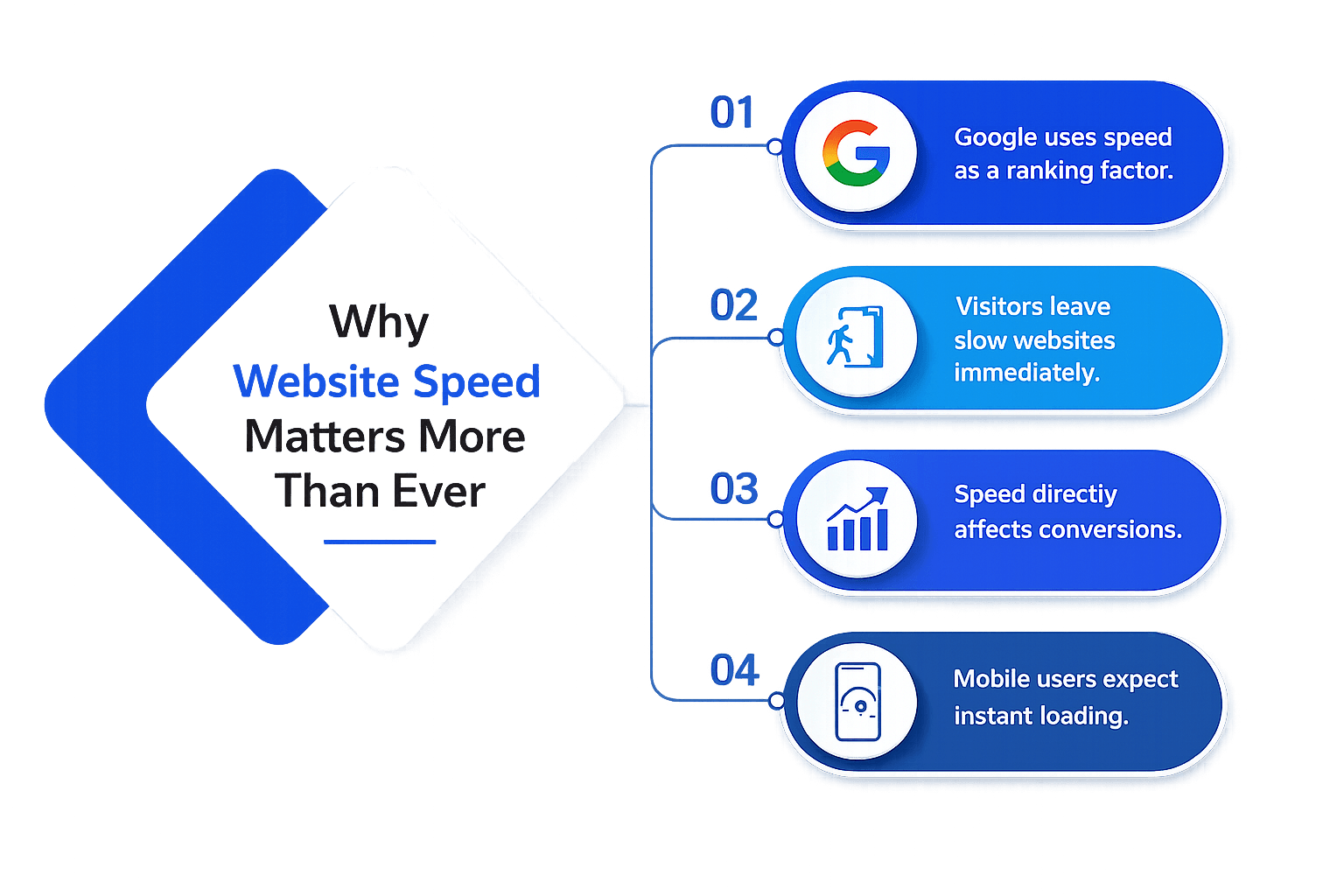
Google uses speed as a ranking factor.
Faster websites rank higher — meaning more organic traffic and more potential customers finding your business.
Visitors leave slow websites immediately.
Over 50% of mobile visitors abandon a website that takes more than 3 seconds to load. Every second of delay increases your bounce rate.
Speed directly affects conversions.
Even a one-second improvement in load time can significantly increase your conversion rate — meaning more sales and more revenue from the same traffic.
Mobile users expect instant loading.
With more than half of all web traffic coming from mobile devices, speed on mobile connections is critical for every business website.
How to Measure Your Website Speed the Right Way
Before you can improve your website speed, you need to measure it accurately. Not all speed metrics are equal — and understanding the right ones makes all the difference.
Time to First Byte
Time to First Byte measures how long it takes for a visitor’s browser to receive the first byte of data from your server. A slow TTFB usually indicates a hosting or server configuration problem that needs to be addressed first.
First Contentful Paint
First Contentful Paint measures how long it takes for the first piece of visible content — text or an image — to appear on screen. This is the moment a visitor first sees something happening and stops feeling like nothing is loading.
Largest Contentful Paint
Largest Contentful Paint (LCP) measures how long it takes for the largest visible element, such as the main image or headline, to load. Improving LCP is an important part of how to improve website speed and is a key Core Web Vitals metric used by Google.
Cumulative Layout Shift
Cumulative Layout Shift measures how much the page layout shifts unexpectedly as it loads. A high CLS score means elements are jumping around on screen — creating a frustrating experience for visitors trying to read or click.
Tools to use:
Use Google PageSpeed Insights for a free, detailed analysis of both desktop and mobile speed. Use GTmetrix for historical tracking and waterfall analysis. Use WebPageTest for advanced testing from different global locations and connection types.
Test your website speed at least once a month and after every significant change to your website.
How Website Speed Affects Your Conversion Rate
Most business owners focus on website speed purely as an SEO concern. But the impact on conversion rate is equally — if not more — significant.
Every second of delay costs you conversions.
Research shows that even a one-second delay in page load time can reduce conversions by around 7%. Understanding how to improve website speed helps reduce revenue loss, improve user experience, and increase sales.
Slow websites damage trust.
A slow website can make visitors question your business’s credibility. Learning how to improve website speed helps create a better first impression, builds trust, and encourages more visitors to make an enquiry or purchase.
Fast websites keep visitors engaged longer.
The longer visitors stay on your website, the more likely they are to convert. Learning how to improve website speed helps reduce bounce rates, increase page views, and gives your content more opportunities to turn visitors into customers.
Mobile conversions are especially speed-sensitive.
Mobile users are often on slower connections, making speed essential. A faster mobile website improves user experience, conversions, and engagement from platforms like Instagram, where visitors expect pages to load instantly after clicking your profile or ads.
15 Proven Tips on How to Improve Website Speed
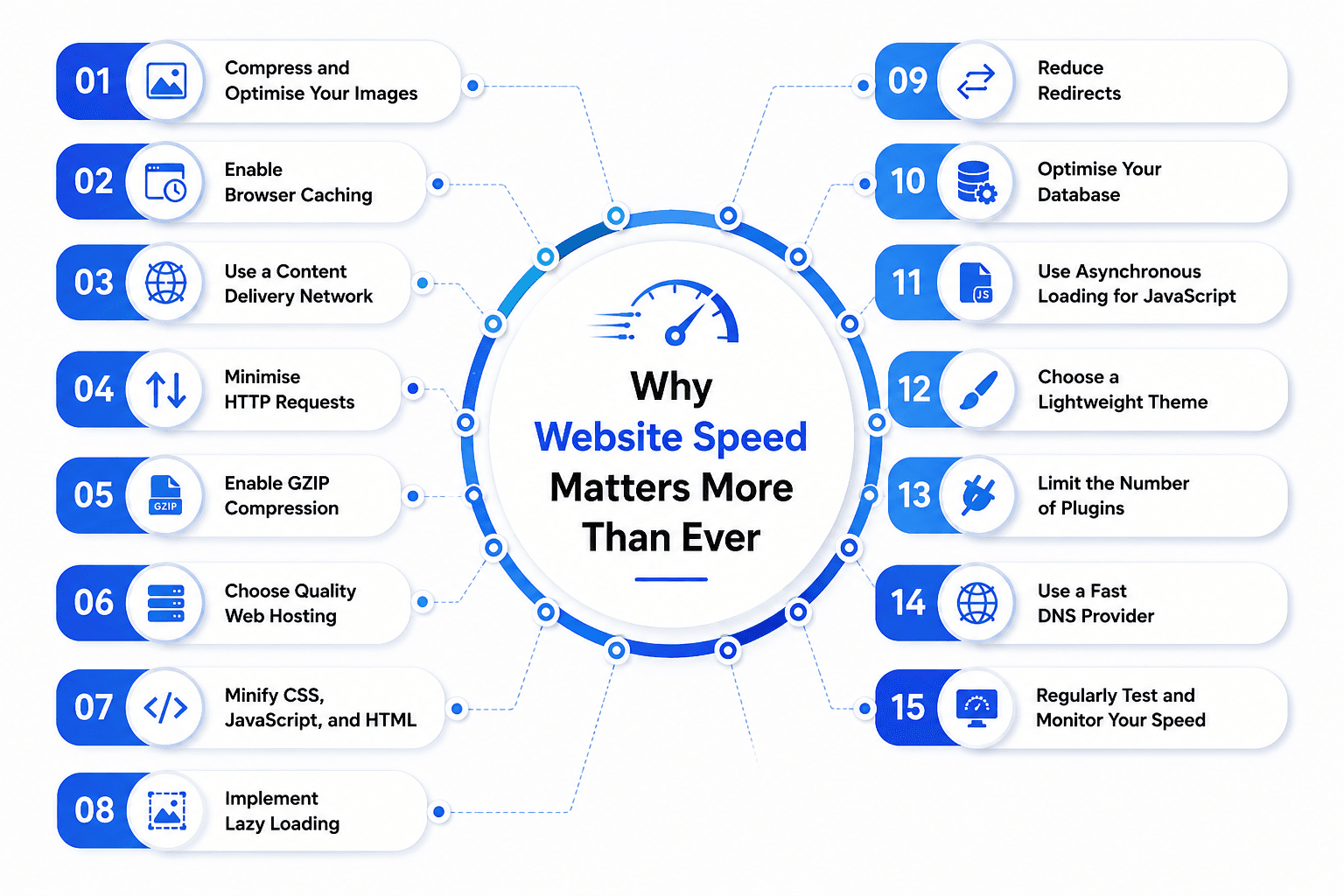
Compress and Optimise Your Images
Images are the biggest contributor to slow load times. Compress every image before uploading using tools like TinyPNG. Use modern formats like WebP for smaller file sizes without losing quality.
Enable Browser Caching
Browser caching stores website elements on a visitor’s device after their first visit. When they return, their browser loads stored elements instead of downloading them again — reducing load time significantly.
Use a Content Delivery Network
A CDN stores copies of your website on servers worldwide. Visitors are served from the server closest to them — reducing the distance data travels and improving load times for everyone.
Minimise HTTP Requests
Every element on your page requires a separate request to load. Combine CSS and JavaScript files. Remove any scripts or widgets not genuinely contributing to your visitor experience.
Enable GZIP Compression
GZIP reduces the file size of your website code before sending it to the visitor’s browser — reducing transferred file sizes by up to seventy percent and significantly improving load times.
Choose Quality Web Hosting
Cheap hosting puts thousands of websites on one server, competing for resources. Invest in quality hosting from a reputable provider — it is the foundation of a consistently fast website.
Minify CSS, JavaScript, and HTML
Minification removes unnecessary characters from your code without changing how it functions. The result is smaller file sizes that load faster for every visitor to your website.
Implement Lazy Loading
Lazy loading delays loading images until the visitor scrolls to where they appear. This significantly reduces initial page load time — particularly on pages with large amounts of visual content.
Reduce Redirects
Every redirect adds additional load time. Audit your website for unnecessary redirects and eliminate them. Ensure necessary redirects go directly to the final destination without intermediate steps.
Optimise Your Database
Websites accumulate unnecessary data over time — revisions, spam, and orphaned data — that slows database queries. Regularly clean and optimise your database using tools like WP-Optimise.
Use Asynchronous Loading for JavaScript
By default, browsers stop loading pages when they encounter JavaScript files. Loading JavaScript asynchronously allows the browser to continue rendering the page while scripts load in the background.
Choose a Lightweight Theme
Many popular themes are visually impressive but technically bloated. Choose a performance-optimised theme like GeneratePress or Astra as the foundation of your website for consistently fast loading.
Limit the Number of Plugins
Every plugin adds code that must load — slowing your website. Audit plugins regularly. Remove those not actively contributing value. Test your speed after installing any new plugin.
Use a Fast DNS Provider
DNS resolution happens before your website begins loading. Switch to a fast DNS provider like Cloudflare DNS or Google Public DNS to reduce this delay for every visitor to your website.
Regularly Test and Monitor Your Speed
Website speed is not a one-time fix. Use Google PageSpeed Insights and GTmetrix monthly to measure performance. Identify slow elements. Fix the issues delivering the greatest improvement.
Website Speed Checklist — What to Do Right Now
Use this simple checklist to start improving your website speed immediately — no technical expertise required for most items:
Compress all images
Compress all images on your website using TinyPNG or Squoosh — starting with your homepage and most visited pages first.
Check your hosting plan
Check your hosting plan — if you are on cheap shared hosting, consider upgrading to a faster, more reliable provider.
Install a caching plugin
Install a caching plugin if using WordPress — WP Rocket or W3 Total Cache are widely used and effective options.
Set up a CDN
Set up a CDN — Cloudflare offers a free plan that significantly improves speed for visitors in different geographic locations.
Enable GZIP compression
Enable GZIP compression through your hosting control panel or caching plugin settings.
Audit your plugins
Audit your plugins — deactivate and delete any plugin that is not actively contributing value to your website.
Check for redirects
Check for redirects — use a redirect checker tool to identify any unnecessary redirect chains on your website.
Switch to a fast DNS provider
Switch to a fast DNS provider — Cloudflare DNS or Google Public DNS can be set up in minutes through your domain registrar.
Set a reminder
Set a reminder to retest your website speed every month and after every significant update or change.
FAQs
1. Why is my website loading slowly?
Large images, poor hosting, and unoptimized code are the most common causes.
2. How can I improve my website speed?
Compress images, enable caching, use a CDN, and optimize your website’s code.
3. Does website speed affect SEO?
Yes, faster websites can improve search rankings and user experience.
4. What is the ideal website loading time?
A website should ideally load in under 3 seconds.
5. Can large images slow down a website?
Yes, uncompressed images increase page load time significantly.
6. Does web hosting impact website performance?
Yes, a reliable hosting provider helps your website load faster.
Final Thought
Knowing how to improve website speed is one of the smartest investments you can make for your business. Every improvement boosts SEO, user experience, and conversions. If you need expert support, our Web Development Services in Coimbatore can help you build a fast, secure, and SEO-friendly website that delivers better results. Start optimizing today—because every second counts.