
Introduction
Learn everything you need to know about Claude AI, including its features, Projects, Artifacts, Model Context Protocol (MCP), practical use cases, pricing, integrations, and best practices to improve productivity.
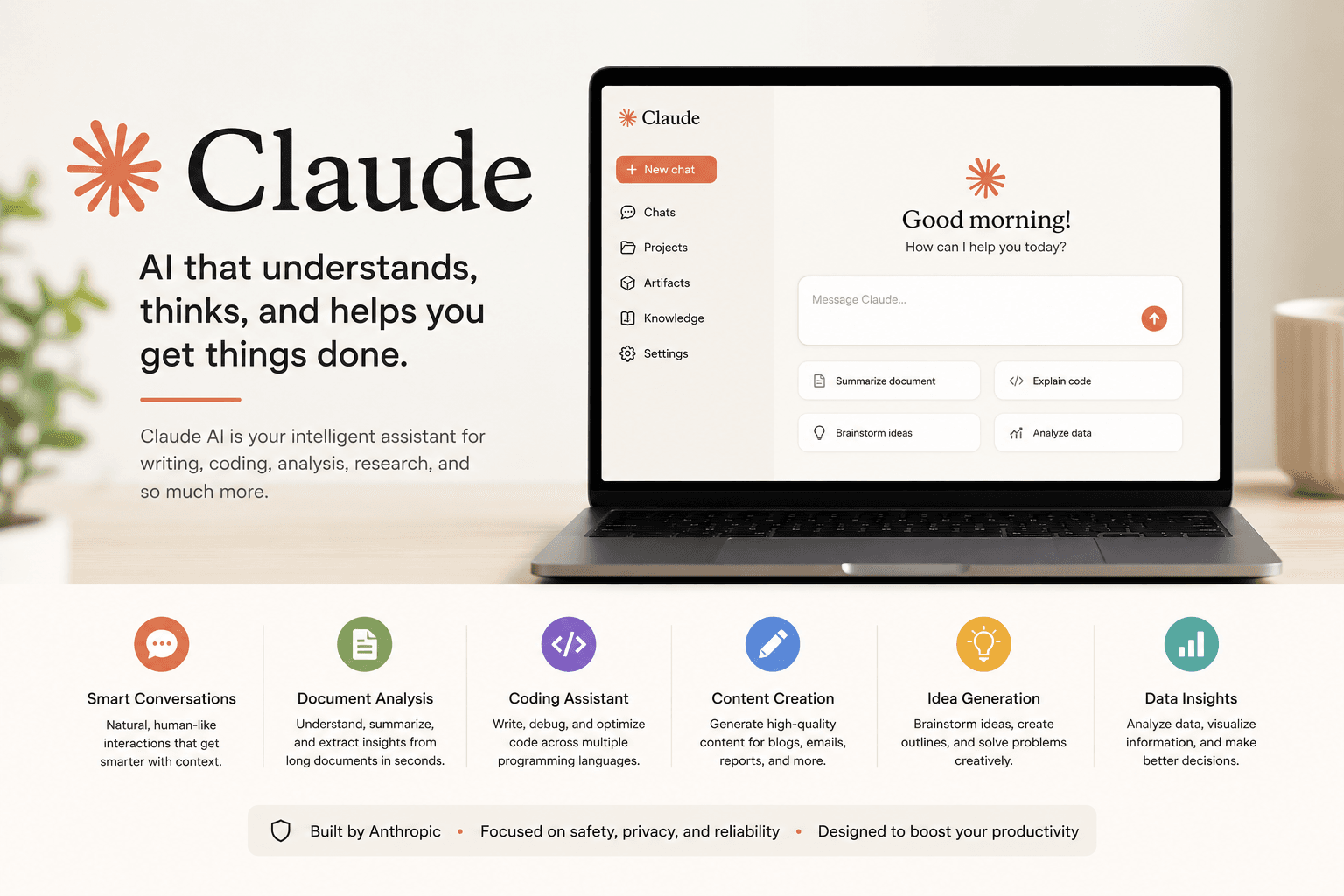
Everything You Need to Know About Claude AI
Artificial intelligence has evolved far beyond simple chatbots. Today, AI assistants help individuals and businesses write content, analyze documents, generate code, conduct research, automate workflows, and solve complex problems in minutes.
Among the leading AI platforms available today, Claude AI has become one of the most trusted choices for professionals, developers, marketers, students, and business owners.
Developed by Anthropic, Claude AI is designed with a strong focus on helpfulness, accuracy, safety, and natural conversations. It can understand large amounts of information, reason through complex tasks, and generate high-quality responses across a wide range of industries.
Whether you’re exploring AI for the first time or looking to improve your workflow, this guide covers everything you need to know.
What is Claude AI?
Claude AI is a conversational AI assistant developed by Anthropic. It uses advanced large language models (LLMs) to understand natural language, answer questions, write content, generate code, summarize documents, analyze data, brainstorm ideas, and assist with everyday tasks.
Unlike traditional chatbots that rely on scripted responses, Claude understands context and maintains longer, more meaningful conversations. It is built to support individuals and organizations with tasks that require reasoning, creativity, and problem-solving.
Why is Claude AI Different?
Claude AI stands out because of its ability to process large documents, maintain context across long conversations, and provide detailed, structured responses. It emphasizes safety, reliability, and clarity while helping users complete both simple and complex tasks.
Key strengths include:
- Natural and human-like conversations
- Strong reasoning and analytical capabilities
- Excellent writing and editing assistance
- High-quality coding support
- Large context window for long documents
- Secure and responsible AI design
- Fast and accurate responses
Key Features
Claude AI offers a wide range of features designed to improve productivity.
Intelligent Writing
Create blogs, articles, emails, reports, proposals, documentation, marketing content, and social media posts with ease.
Coding Assistance
Generate, explain, debug, and optimize code across multiple programming languages while helping developers understand complex logic.
Document Analysis
Upload lengthy PDFs, contracts, research papers, spreadsheets, and reports for summarization, comparison, or detailed analysis.
Research Support
Organize information, identify key insights, compare sources, and simplify complex topics for faster decision-making.
Creative Brainstorming
Generate ideas for businesses, products, marketing campaigns, presentations, branding, and content strategies.
Claude Projects
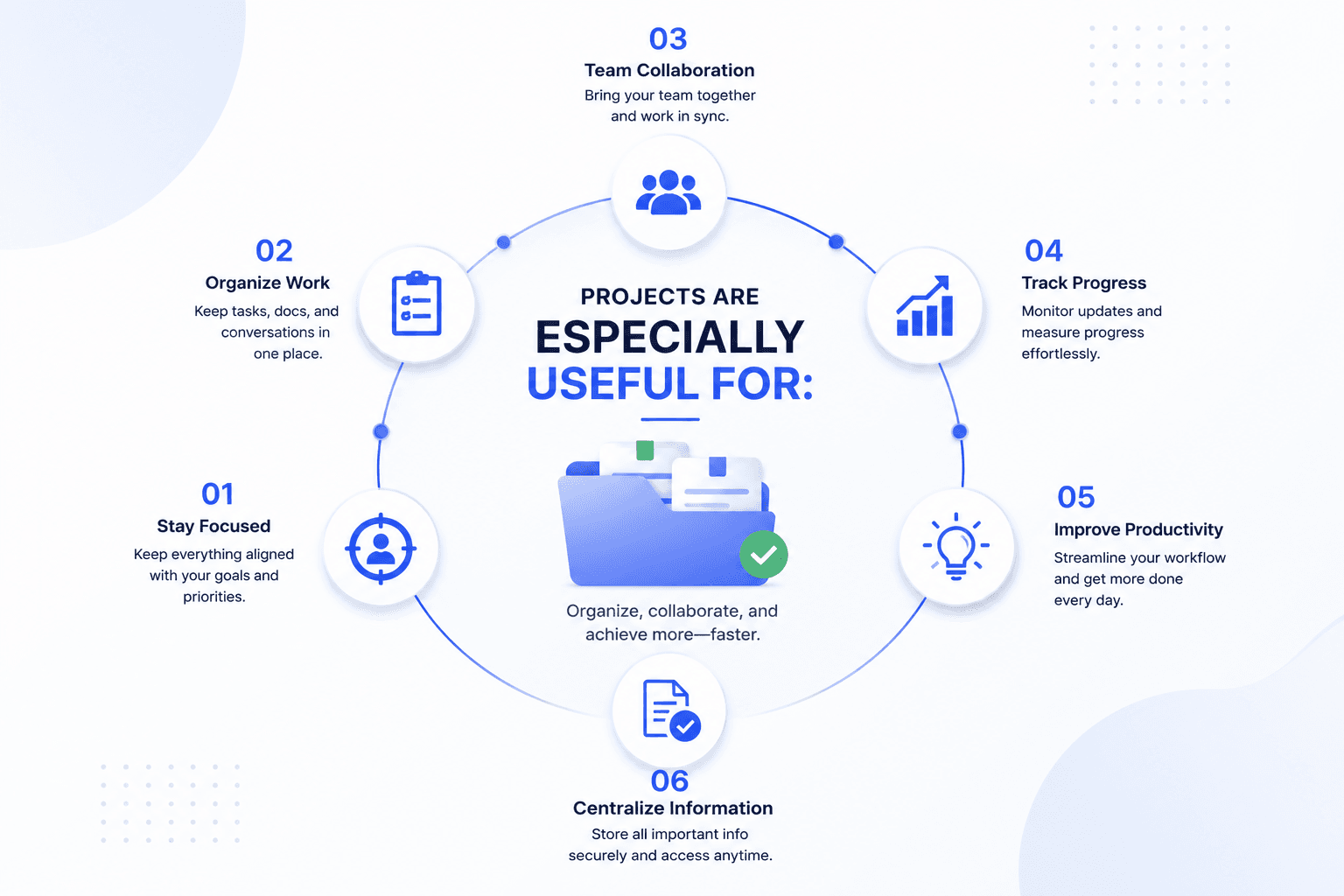
Projects allow users to organize conversations around a specific goal. Each project keeps related chats, instructions, uploaded files, and context together, making it easier to manage ongoing work.
Projects are especially useful for:
- Content marketing
- Website development
- Software projects
- Research work
- Client management
- Business planning
- Documentation
Instead of starting from scratch each time, Projects help Claude remember the context within that workspace.
Claude Artifacts
Artifacts allow Claude to generate structured outputs that go beyond plain text. Depending on the task, Claude can create editable documents, code snippets, web pages, user interfaces, diagrams, tables, and other interactive content in a dedicated workspace.
This makes it easier to review, refine, and iterate on complex work without cluttering the conversation.
Model Context Protocol (MCP)
Model Context Protocol, commonly known as MCP, is an open standard that enables AI assistants to securely connect with external tools and data sources.
With MCP, Claude can work alongside business systems and productivity platforms, allowing users to access relevant information without constantly switching between applications.
Common examples include:
- Knowledge bases
- Development environments
- File storage
- Project management tools
- Internal documentation
- Business applications
This capability helps create more connected and efficient AI-powered workflows.
Common Use Cases
Claude AI is flexible enough to support a wide range of professionals.
For Businesses
- Business planning
- Proposal writing
- Process documentation
- Meeting summaries
- Internal knowledge management
For Digital Marketers
- SEO
- content creation
- Keyword research
- Campaign planning
- Email marketing
- Social media content
- Marketing strategy
For Developers
- Code generation
- Debugging
- Documentation
- API explanations
- Software architecture discussions
For Writers
- Blog writing
- Editing
- Grammar improvement
- Content planning
- Copywriting
For Students
- Learning complex topics
- Research assistance
- Note summarization
- Assignment support
- Exam preparation
Best Practices for Using Claude AI
To get the most value, provide clear instructions and enough context.
Some practical tips include:
- Define your objective before asking.
- Include relevant background information.
- Break large tasks into smaller steps.
- Request structured outputs when needed.
- Review AI-generated content before publishing.
- Use follow-up questions to refine results.
- Keep important project information organized within Projects.
Well-written prompts often produce more accurate and useful responses.
Advantages
Claude AI offers several benefits for individuals and organizations:
- Saves time on repetitive tasks
- Improves productivity
- Generates high-quality written content
- Assists with technical work
- Supports collaboration
- Handles large amounts of information
- Encourages organized workflows
- Easy to learn and use
Limitations
Although Claude AI is highly capable, it is not a replacement for human expertise.
Users should always verify:
- Legal advice
- Financial decisions
- Medical information
- Scientific claims
- Business-critical decisions
AI works best as an intelligent assistant rather than a final decision-maker.
Frequently Asked Questions
Is Claude AI free to use?
Claude offers a free plan with usage limits, along with paid plans that provide higher usage allowances and additional capabilities.
Who developed Claude AI?
Claude AI was created by Anthropic, an AI research company focused on building reliable and responsible artificial intelligence systems.
Can Claude AI generate code?
Yes. It can write, explain, debug, optimize, and review code across many programming languages.
Can Claude AI analyze documents?
Yes. Claude can summarize, compare, and extract insights from long documents, making it useful for research and business workflows.
Is Claude AI suitable for businesses?
Yes. Many organizations use it for documentation, content creation, research, software development, customer support, and operational efficiency.